A hardware wallet is a small physical device that stores your crypto private keys offline, so they never touch the internet where hackers, malware, and phishing attempts can reach them. If you hold more than a small amount of crypto, keeping it on an exchange means trusting that exchange to stay solvent and unhacked. A hardware wallet removes that risk by putting you in direct control of your keys.
How Does a Hardware Wallet Work?
Think of a hardware wallet like a physical safe deposit box for a house key. Your bank can hold the box, but only you can open it, and nobody can copy the key without the box in hand. A hardware wallet works the same way: it generates and stores your private keys inside a secure chip, and it signs transactions internally without ever exposing those keys to your phone or computer.
When you send crypto, your computer builds the transaction, but the hardware wallet is the only thing that signs it. That signing happens inside the device. CoinPaprika’s analysis of cold storage security notes that this design blocks remote key theft even when the connected computer is compromised, though it cannot stop a user from approving a malicious transaction themselves.
Even if your laptop is infected with malware, an attacker still cannot move your funds without physical access to the wallet itself and its recovery phrase, a set of words that can restore your wallet if the device is lost, stolen, or damaged.
How to Get Started With a Hardware Wallet
Setting up a hardware wallet correctly the first time matters more than any single feature on the device. Here is the process most reputable wallets follow.
1. Buy Directly From the Manufacturer
Never buy a hardware wallet secondhand or from a third-party marketplace. There have been cases of resold devices with pre-loaded recovery phrases designed to steal funds once a buyer deposits crypto.
2. Set Up the Device and Generate a New Recovery Phrase
Every reputable wallet walks you through this during the first setup, generating a fresh set of 12 or 24 words directly on the device. Never use a recovery phrase that came pre-printed in the box, since that means someone else could already know it and drain the wallet the moment you fund it.
3. Write Your Recovery Phrase Down on Paper or Metal, Never Digitally
Storing it in a photo, note app, or cloud drive defeats the purpose of a hardware wallet, since anyone who gains access to that account or device can reconstruct your full wallet without ever touching the hardware itself.
Many holders instead engrave or stamp their phrase onto a metal plate, which survives fire and water damage that paper cannot. Our guide on seed phrase security covers this in more detail.
4. Install the Companion App and Send a Small Test Transaction First
Confirm the transaction details on the device screen itself, not just on your phone or computer, before approving anything larger.
5. Store the Device Somewhere Secure When Not in Use
A drawer is fine for most holders, since the device alone is useless to a thief without the PIN and recovery phrase. For larger balances, a fireproof safe adds protection against both theft and disasters like fire or flooding, and storing the recovery phrase in a separate physical location from the device means a single break-in or house fire cannot compromise both at once.
The Best Cryptocurrency Hardware Wallets For 2026
Each of these wallets takes a different approach to keeping your keys offline, from open-source chips to seedless cards. Here is what sets each one apart and who it fits best.
Trezor Safe 7
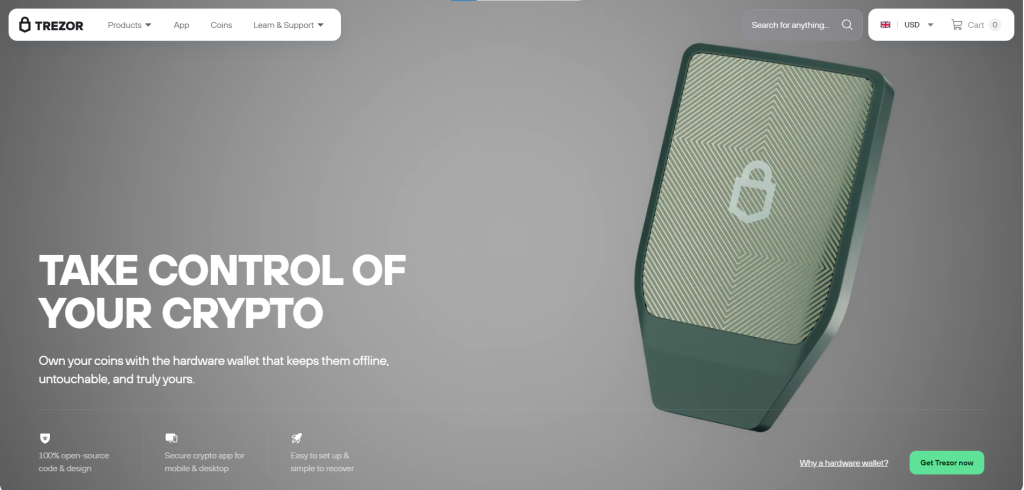
Trezor Safe 7 is Trezor’s flagship device, built around a dual-chip design where an open-source secure element and a certified tamper-resistant chip both have to approve an operation before it goes through. That open-source chip, called TROPIC01, is a genuine industry first: independent researchers can inspect its design rather than relying on the manufacturer’s word for it.
That openness was tested directly. In June 2026, Trezor disclosed that a rival security lab had extracted some secrets from the TROPIC01 chip using a laser fault-injection attack under lab conditions. The attack required physical possession of the device plus specialized equipment, defeated only one of three security layers, and has not been seen outside that controlled test. No user funds were affected.
Ledger Flex
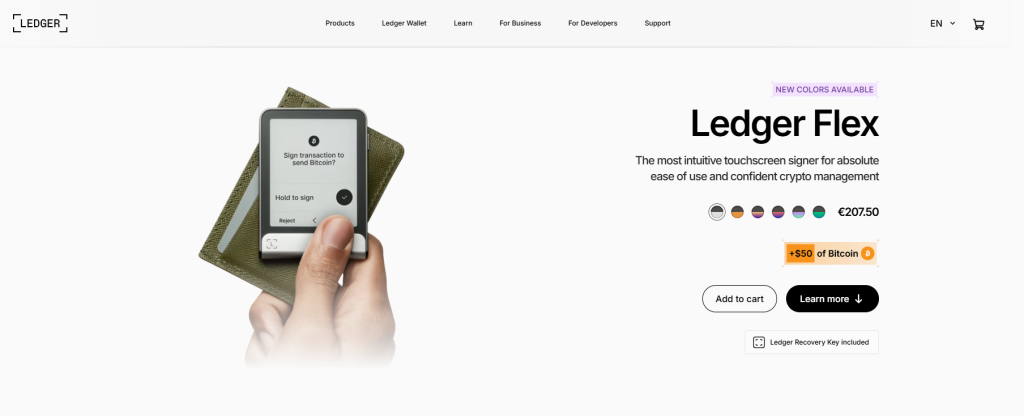
Ledger Flex is Ledger’s top hardware wallet and pairs a CC EAL6+ certified Secure Element chip with a large curved touchscreen that displays full transaction details before you approve anything. It runs Ledger OS, Ledger’s proprietary firmware, and supports a wide range of blockchains and NFTs through the Ledger Live app.
Ledger’s Secure Element firmware is not fully open source, so users have limited visibility into certain aspects of its implementation and can also consider Ledger’s security documentation and external assessments when evaluating its security.
BC Vault
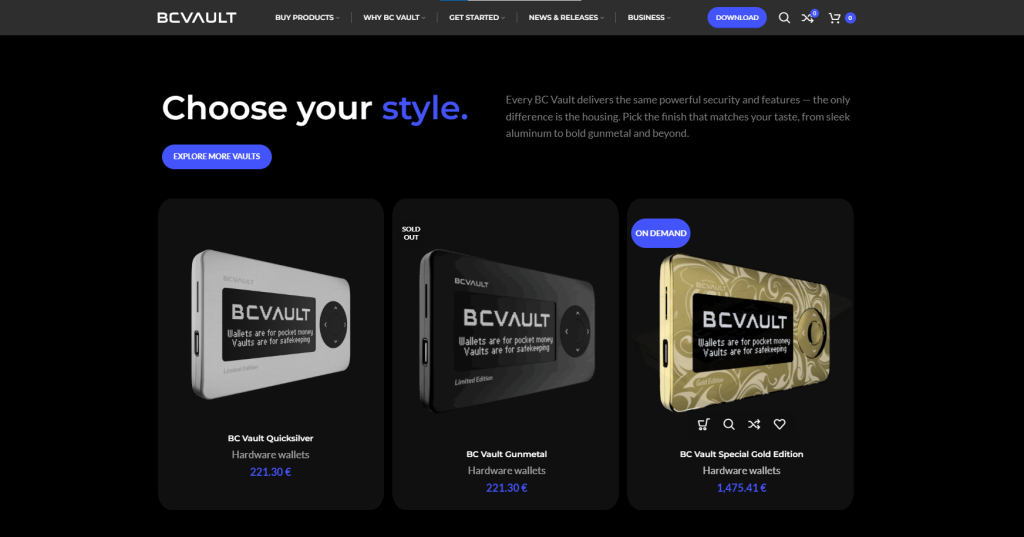
BC Vault is a hardware wallet built around multiple layers of password-protected access and offline key generation, developed with a focus on cybersecurity rather than a single flagship security chip. It supports a wide range of cryptocurrencies and includes features like in-wallet asset swapping alongside long-term encrypted storage.
It costs more than most competitors in this list, but its broad blockchain support and layered security approach make it a reasonable option for holders who want flexibility without giving up offline key storage.
Tangem Wallet
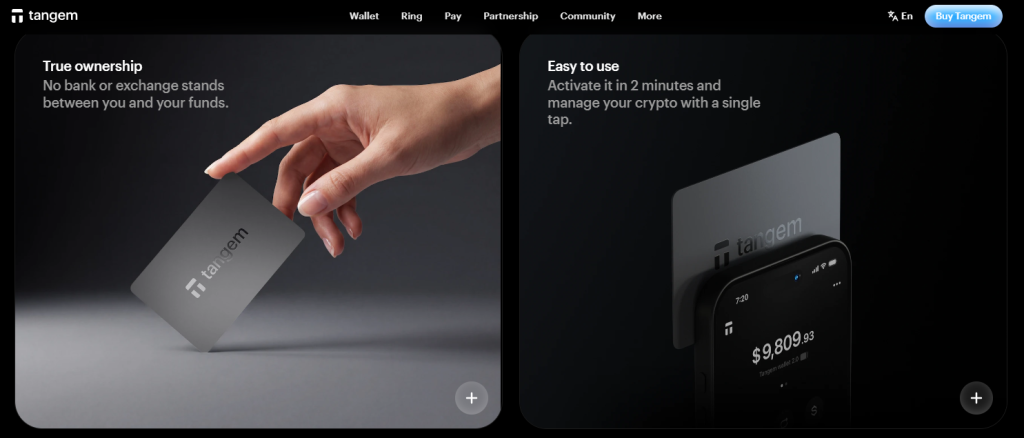
Tangem Wallet takes a different approach entirely. Instead of a device with buttons and a screen, it is a set of credit card-sized cards, each with a secure chip embedded inside. You tap a card against your phone using NFC to sign a transaction, and there is no seed phrase to write down at all. The card itself is the key.
That seedless design is Tangem’s main selling point: there is nothing to lose to a fire, nothing to photograph by accident, and nothing to type into a phishing site. The tradeoff is that losing all of your cards at once means losing access to your funds, which is why Tangem ships wallets as multi-card sets so you can keep a backup card somewhere separate from your main one. For beginners intimidated by seed phrases, this is one of the easier hardware wallets to start with.
Cypherock X1
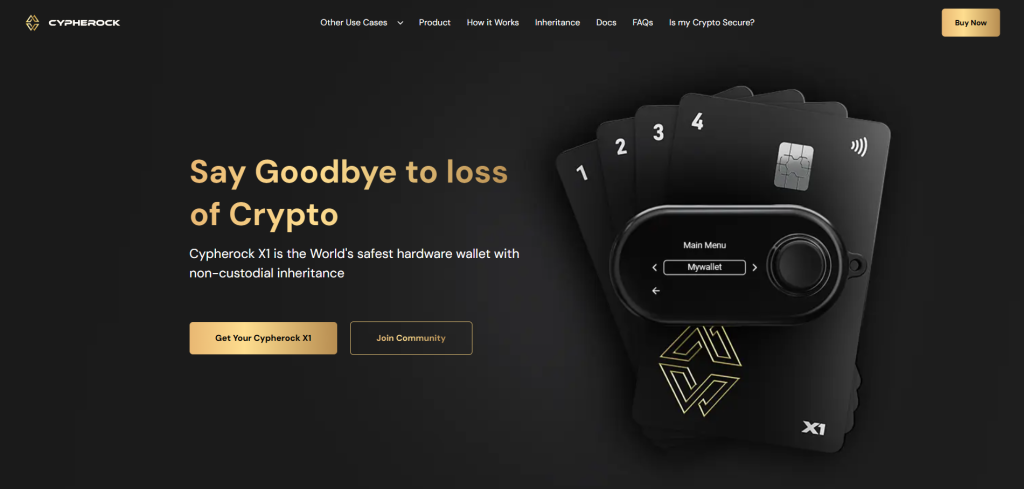
Cypherock X1 splits your private key into multiple encrypted shards using Shamir’s Secret Sharing, then stores each shard on a separate physical card. No single card or device ever holds your complete key, and recovering your wallet requires a minimum number of those cards together, not just one. An attacker who steals a single card gets an encrypted fragment that is useless on its own.
The kit ships with a companion app and four metal cards, so setup takes longer than tapping a card or plugging in a USB device the way you would with Tangem or Ledger. That added complexity is the tradeoff for removing any single point of physical failure. It makes the most sense for holders with large balances who want a security model where stealing or losing any one card is not enough to move funds, rather than for someone buying their first hardware wallet.
Why Does This Matter for Someone New to Crypto?
If you have ever left crypto sitting on an exchange after a purchase, you already know the nagging feeling of not fully controlling it. Exchange hacks, frozen withdrawals, and phishing scams targeting exchange logins are still common in 2026, and in each case the person who loses funds usually never touches a hardware wallet.
A hardware wallet solves this by taking your keys off any internet-connected device entirely. You do not need to trust a company’s security team, only your own recovery phrase and PIN. That shift, from trusting a platform to trusting yourself, is the entire point of self-custody. For a deeper look at how that compares to keeping funds on an app, our guide on self-custodial wallets walks through the tradeoffs.
Risks to Know Before You Buy
A hardware wallet removes the risks that come with trusting an exchange, but it introduces a different set of responsibilities. Here are the ones worth understanding before you buy one.
1. Losing Your Recovery Phrase
No manufacturer, including Trezor, Ledger, or Tangem, can recover a lost key for you. This is the tradeoff for removing third-party trust entirely.
2. Buying From Unauthorized Resellers
Always order directly from the manufacturer’s official site. Devices bought secondhand or through third-party marketplaces have shown up preloaded with a known recovery phrase, so whoever set the device up originally can drain any funds deposited later.
3. Fake Firmware Updates
Firmware updates should only come from the official companion app. A fake update prompt is a common phishing tactic aimed at hardware wallet users.
4. Approving a Malicious Transaction
Even the best chip does not protect you from approving a bad transaction. Always read what it says on the device screen itself before confirming, not just on your connected phone or computer.
5. Physical Damage or Loss
A single fire, flood, or broken device can destroy an unbacked-up wallet. Store your recovery phrase or backup cards somewhere separate from the device.
Good Security Habits Still Matter
Picking the right device is only half the job. Most crypto losses tied to hardware wallets trace back to how the owner used it, not a flaw in the device itself: a recovery phrase photographed and stored in the cloud, a fake firmware update, or a transaction approved without reading what the device screen said. Our guide on common crypto wallet security mistakes covers these habits in more detail, so the security your device provides holds up in practice. You can also browse our full wallets hub for more comparisons and guides.
Frequently Asked Questions
Here are answers to a few questions readers commonly ask before buying a hardware wallet.
Do I need a hardware wallet if I only hold a small amount of crypto?
It depends on how much risk you are comfortable with. For very small amounts, a reputable software wallet or exchange may be fine, but many holders switch to hardware wallets once their balance is worth more than the cost of the device itself.
Can a hardware wallet be hacked remotely?
Not directly. Because the private keys never leave the device and transactions are signed internally, a hardware wallet cannot be drained by malware on your phone or computer alone. The main risks come from physical theft combined with a known recovery phrase, or from a user approving a malicious transaction without checking it on the device screen.
What happens if my hardware wallet breaks?
As long as you still have your recovery phrase, you can restore your full wallet onto a new device, even from a different manufacturer, since most hardware wallets use the same underlying recovery phrase standard.
Is a more expensive hardware wallet always more secure?
Not necessarily. Price often reflects extra features like Bluetooth, a larger touchscreen, or wireless charging rather than a stronger core security model. The Trezor Safe 3 and the Trezor Safe 7 use security architectures built on the same open-source foundation, just with different hardware on top.