The safest way to store XRP is in a wallet where you control the private keys, not on an exchange. Exchanges make buying and trading simple, but they hold your funds in custody, which means you’re trusting a third party with your assets.
According to Chainalysis’ 2026 Crypto Crime Report, hackers stole nearly $3.4 billion in crypto in 2025, with the February Bybit exploit alone accounting for close to $1.5 billion, the largest single digital heist on record. A personal wallet puts the private keys and the ownership in your hands.
Think of a hot wallet like the cash in your pocket and a cold wallet like a safe at home. XRP wallets split into two categories based on that same tradeoff between access and security. Hot wallets stay connected to the internet, which makes them fast and convenient for everyday transactions, but that same connection is what exposes them to hacking attempts.
Cold wallets stay offline, so private keys never touch the internet, which makes them the stronger choice for holding XRP long-term. Most people end up using both. A hot wallet for spending or trading, and a cold wallet for the bulk of their holdings.
Here are 7 of the best options for storing XRP in 2026, across both categories.
1. Ledger Nano X: Best Hardware Wallet Overall
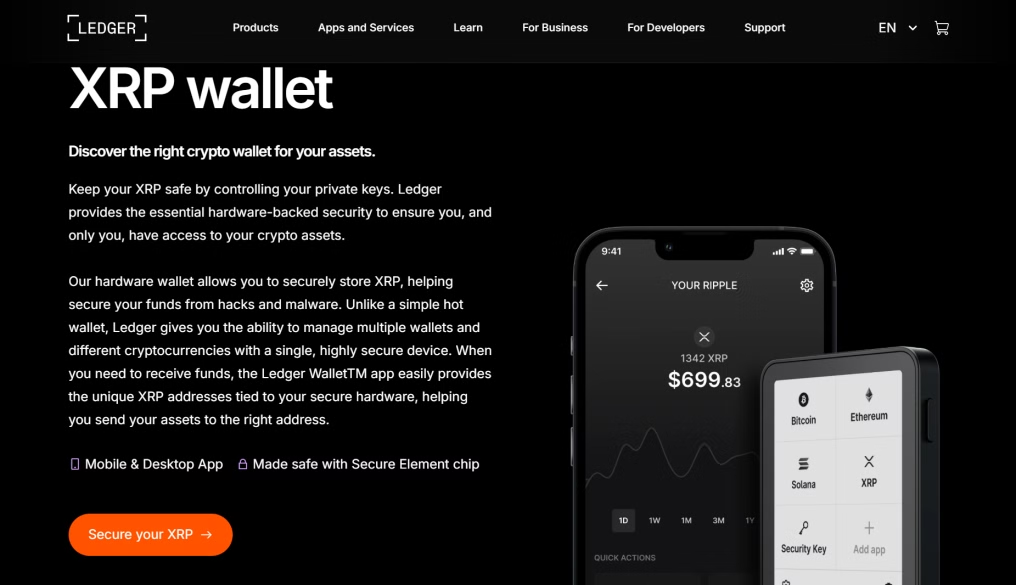
Ledger hardware wallets keep private keys fully offline, cutting exposure to online threats. They pair with the Ledger Live app, which lets users manage, send, receive, and track XRP and other supported assets in one place. Ledger devices have a strong security track record and a large user base among crypto holders who prioritize self-custody.
The device stores private keys fully offline and supports XRP along with a wide range of other cryptocurrencies. It works with Ledger Live for portfolio management, includes seed phrase backup and recovery, and the Nano X model adds Bluetooth support for mobile use.
2. OneKey Pro: Hybrid Hardware Wallet
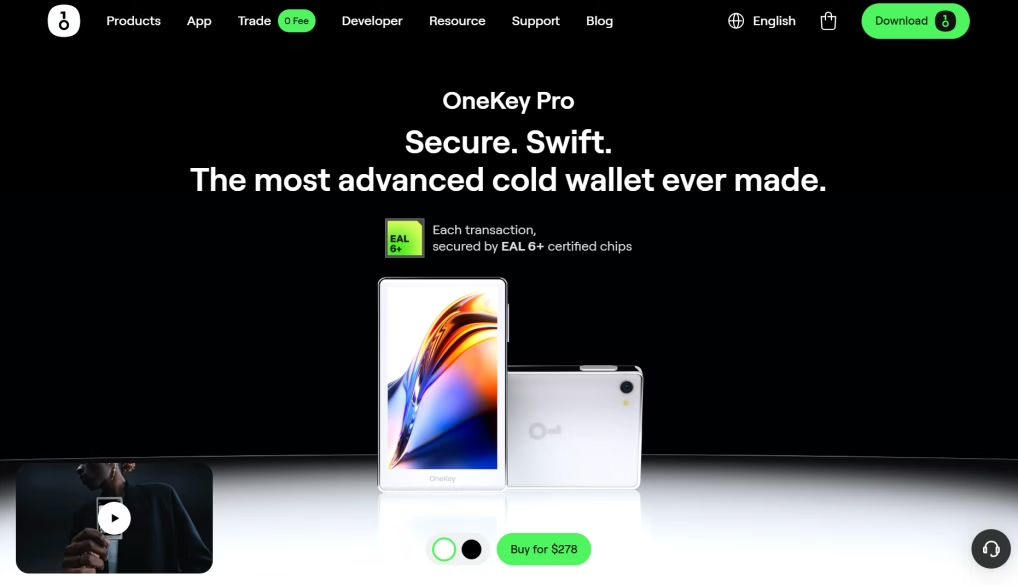
OneKey Pro pairs a dedicated hardware device with a companion app, balancing offline key security with everyday usability. Private keys stay on the hardware device, while the app handles asset management, balance tracking, and transactions. This setup lets users keep control of their funds while working across a flexible software environment on multiple devices.
Private key protection is hardware-based and stored offline, with support for XRP and a wide range of other cryptocurrencies. The wallet works across desktop and mobile devices, receives regular firmware updates, and offers a straightforward interface for managing assets.
3. Trezor Wallet: Trusted Open-Source Hardware Wallet
Trezor Safe 3 and Trezor Safe 5 are hardware wallets built around transparency and user control. Their open-source firmware lets the community review and verify the code, adding a layer of trust most closed-source devices don’t offer. Private keys are generated and stored offline on the device, isolated from internet-based threats.
These wallets suit users who prioritize self-custody and verifiable security, and they connect to XRP through compatible third-party wallet interfaces. The firmware is open-source and open to public review, and private keys are stored offline on the device. It offers PIN protection and passphrase options, supports XRP through compatible third-party interfaces, and includes seed-phrase backup for recovery.
4. Xaman Wallet: XRP-Native Wallet
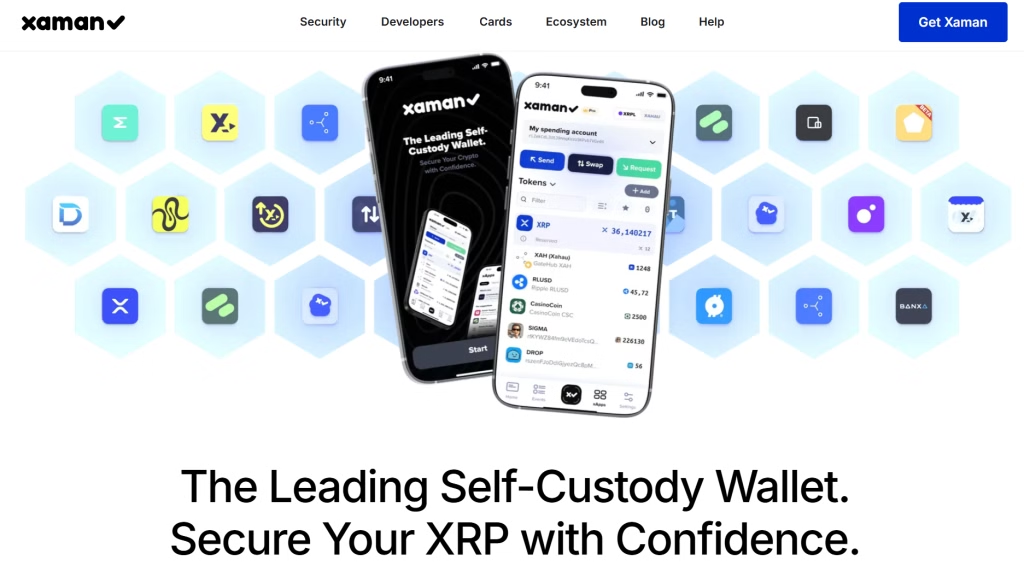
Xaman Wallet is built specifically for the XRP Ledger, giving users direct access to the ecosystem without relying on generalized multi-chain tools. It supports native XRPL functionality, letting users manage XRP, interact with XRPL-based tokens, and connect to decentralized applications on the network.
As a non-custodial wallet, it keeps private keys under the user’s control while offering a simple interface for transactions and account management. The design is mobile-friendly, and the wallet stays non-custodial, with private keys controlled entirely by the user.
5. Trust Wallet: Popular Mobile Wallet
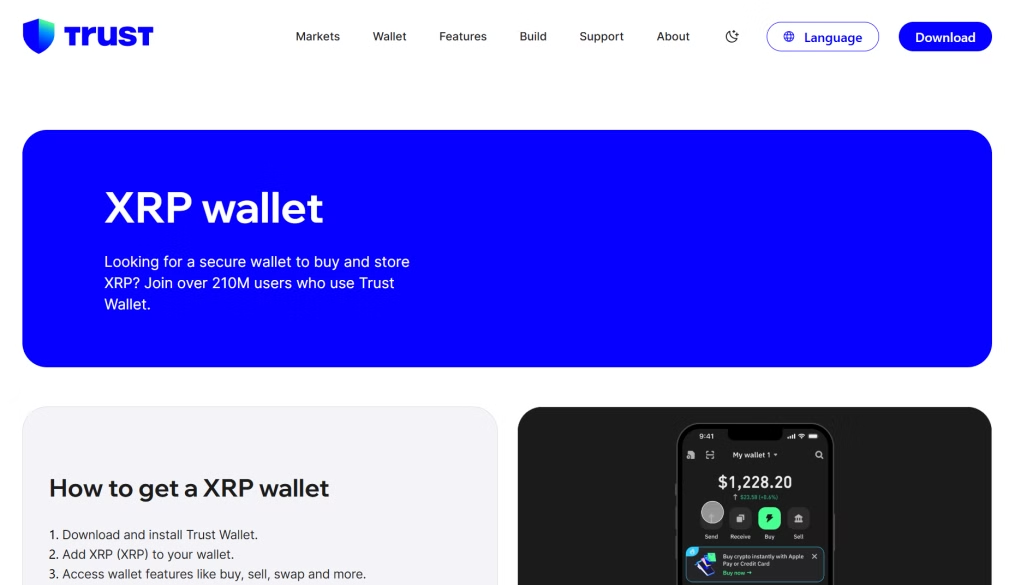
Trust Wallet is a widely used mobile wallet supporting a broad range of cryptocurrencies across multiple blockchains. It’s built for users who want a convenient way to store, send, and receive digital assets from their phone. Private keys are stored locally on the user’s device, giving full control over funds while keeping the interface simple.
Trust Wallet supports a wide range of assets across multiple blockchains and includes built-in seed phrase backup and recovery. The mobile interface stays simple, private keys are stored locally on the device, and an in-app dApp browser gives users direct access to Web3 applications.
6. GemWallet: Web-Based Wallet
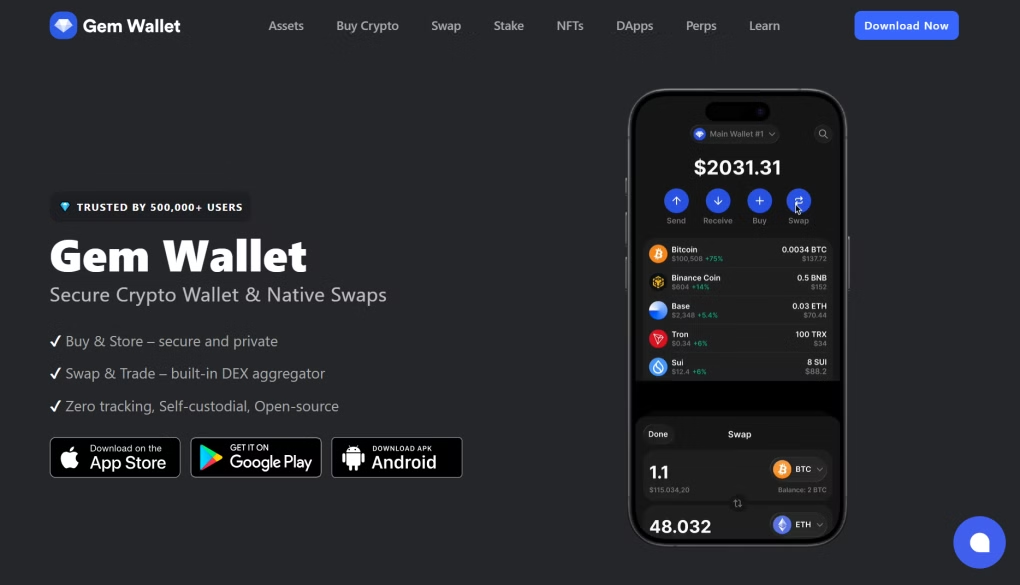
GemWallet is a browser-based wallet built for users who frequently interact with XRP Ledger applications and services. It connects directly to XRPL-powered websites, signs transactions, and manages assets without leaving the browser. As a non-custodial wallet, it keeps private keys under the user’s control while making it easy to approve transactions and use decentralized applications on the XRP Ledger.
GemWallet offers browser-based access with no separate software needed and works with XRPL decentralized applications. Transaction signing happens quickly right in the browser, the wallet stays non-custodial with user-controlled private keys, and setup is simple.
7. Exodus Wallet: Desktop and Mobile Wallet
Exodus Wallet is a multi-platform software wallet built for managing digital assets, including XRP, with a clean, organized interface. It’s available on desktop and mobile, so users can sync and monitor their portfolio across devices. Private keys stay under the user’s control, while built-in tools help track balances and manage holdings in one place.
Exodus works across desktop and mobile with built-in portfolio tracking, and it supports a wide range of cryptocurrencies, including XRP. It includes seed phrase backup and recovery, with a simple interface suited to beginners.
Common Mistakes to Avoid
A few habits account for most of the losses tied to XRP storage. Here’s what to watch for.
A. Leaving XRP on an Exchange Long-Term
Exchanges are convenient for trading, but they hold custody of your funds, not you. That leaves users exposed whenever an exchange freezes withdrawals, gets hacked, or shuts down. Turkish exchange BtcTurk suspended withdrawals in 2025 after tracing suspicious transfers to compromised infrastructure, and it wasn’t the exchange’s first hack in recent years. Holding XRP on an exchange for months or years means accepting that risk indefinitely.
B. Storing a Seed Phrase Digitally
A seed phrase typed into a notes app, saved as a screenshot, or backed up to the cloud becomes searchable the moment a device or account is compromised. Malware and phishing attacks are increasingly built to scan for exactly this kind of file. Writing the phrase down on paper or metal and storing it offline removes that exposure, since there’s nothing digital for an attacker to find.
C. Reusing One Wallet for Everything
Using the same wallet for daily spending and long-term storage means every transaction and connected app carries the same risk to your entire balance. If that wallet is ever compromised through a phishing link or a malicious dApp connection, the loss isn’t limited to spending money; it includes everything else stored there. Splitting funds across a spending wallet and a separate long-term wallet keeps that exposure contained.
D. Downloading Wallet Apps from Unofficial Links
Fake wallet apps and cloned websites are built to look identical to the real thing, down to the logo and interface. They’re designed to capture a seed phrase the moment it’s entered, giving the attacker full access before the user realizes anything is wrong. Downloading only from the provider’s official site or a verified app store listing avoids this entirely.
E. Skipping the Test Transaction
Sending a full balance to a new wallet address without testing it first leaves no room to catch a mistake. A single mistyped character, or sending XRP to an address not configured for it, can make funds permanently unrecoverable. Sending a small amount first and confirming it arrives correctly costs a few minutes and removes that risk.
Test Your Wallet Before You Rely On It
Before transferring your full XRP balance, send a small test amount to your new wallet first. Confirm it arrives at the correct address and that the balance matches what you sent.
This single step catches the two most common setup errors: a mistyped address and a mismatch between the XRP Ledger and other networks, since sending XRP to an address that isn’t configured for it can result in permanent loss of funds.
Once the test transaction clears and you’ve double-checked the address in your wallet’s transaction history, you can move the rest of your holdings with confidence.
Frequently Asked Questions
Here are quick answers to what most XRP holders ask before choosing a wallet.
What is the safest wallet for storing XRP?
Hardware wallets like the Ledger Nano X, OneKey Pro, and Trezor Safe 3 or 5 are the safest option because they keep private keys fully offline. They’re built for long-term storage rather than frequent transactions.
Can I store XRP on a wallet that isn’t XRP-specific?
Yes. Multi-chain wallets like Trust Wallet, Exodus, and the hardware wallets above all support XRP alongside other cryptocurrencies. XRP-native wallets like Xaman are built specifically for the XRP Ledger and its features.
What happens if I lose my seed phrase?
If you lose your seed phrase and your wallet device, you lose access to your XRP permanently. There’s no recovery process, since no company or exchange holds a backup of it.
Is it safe to keep XRP on an exchange?
Small amounts for active trading are generally fine, but exchanges have been hacked or frozen withdrawals in the past. Most security guidance recommends moving anything you’re holding long-term into a wallet you control.